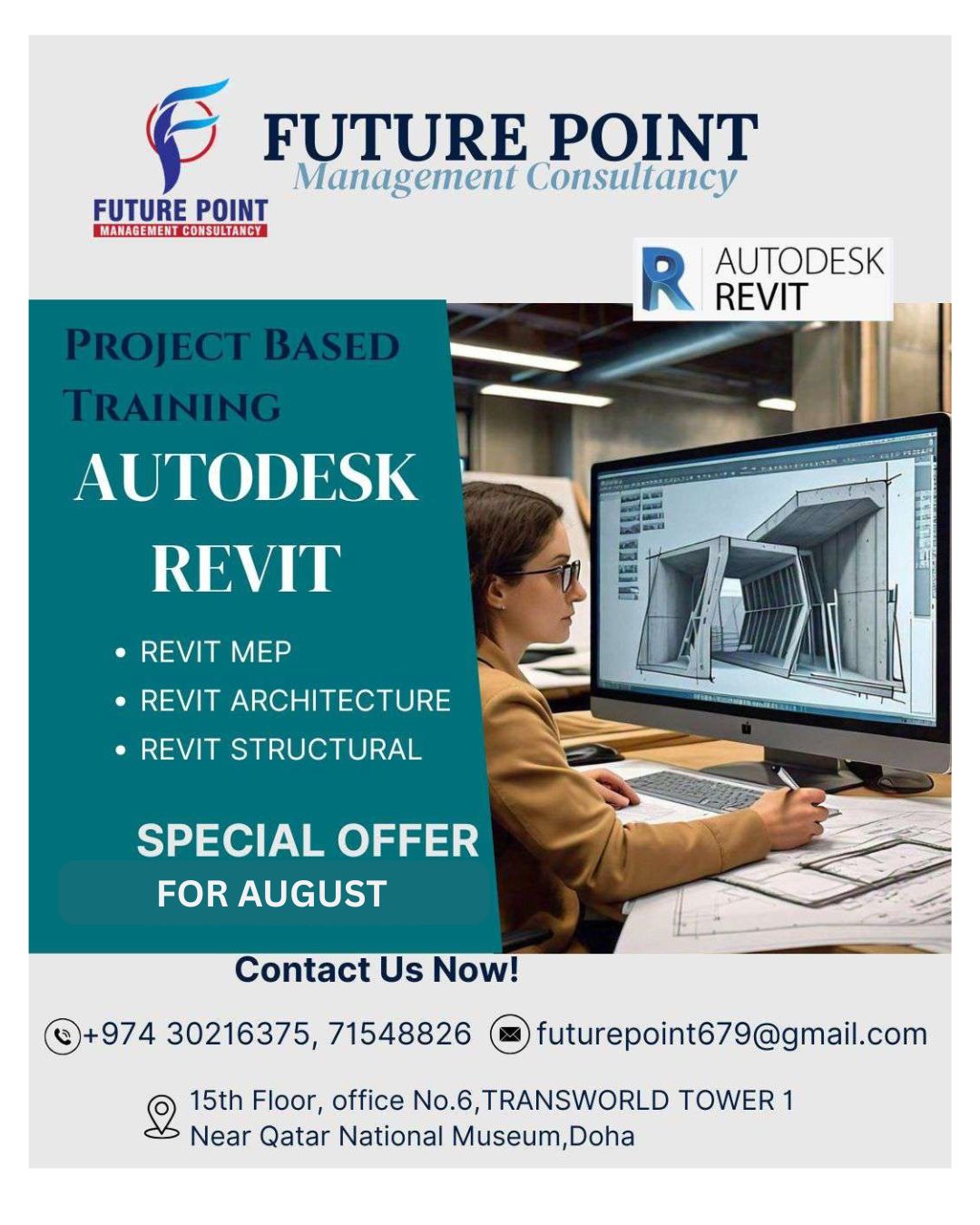
Design Smarter. Build Better. Succeed Faster-Revit MEP | Architecture | Structural – One Complete Training!
By ranjithmeyana@gmail.com on July 22nd, 2025 in UncategorizedWhy Future Point Stands Out from Other Institutes
While many institutes claim to provide “complete training,” Future Point goes beyond theory to deliver fully practical, project-based learning.
Tailored Training: Before the class begins, we conduct one-to-one discussions with students and trainers to identify their exact needs and career goals.
Focused Content: We don’t waste time on unnecessary topics—our curriculum is designed to give students only the “cream of the content” they truly need.
Real Project Experience: Training is backed by real project samples and hands-on exercises, ensuring students gain practical knowledge that matches real-world requirements.
Proven Credibility: Our reviews and success stories speak for themselves. Many other institutes fail to deliver what students are seeking, but Future Point is known for high-quality, result-driven training.
In today’s fast-paced world, professionals don’t have time for useless content. At Future Point, we respect your time by giving you precise, practical, and industry-relevant knowledge to make you job-ready faster.
Here are five professional outcomes or skills that you can expect to gain from this course:
What You’ll Learn
Course topics
1. Interface: Start Tab, Templates, Application Menu, Quick Access Toolbar, Info Centre, Layout Tabs, Status Bar, Options, Mouse controls, Navigation, Object Selection
2. Drawing Tools: Line, Polyline, Circle, Rectangle, Polygon, Ellipse, Hatch, Gradient, Spline, Object Snap
3. Drawing Method: Absolute & Relative Coordinates, Orthomode, Grid & Snap, Polar tracking
4. Modification Tools: Move, Copy, Stretch, Rotate, Mirror, Scale, Trim, Extend, Fillet, Chamfer, Array, Erase, Explode, Offset, Align, Join
5. Annotation: Text, Dimension, Leader, create own styles
6. Layers: Color Manager, Line type Manager, Line weight Manager, Creation, properties, application, functions
7. Blocks: Create, Edit, Insert, Design Centre
8. Palettes: Properties, Blocks, Layers, Command-Line, Design Centre
9. Layout: Viewports, Page Setups, Printing
✅ Key Outcomes & Skills Gained
Additionally we are providing for students who are seeking for more deep knowledge about course
1. Proficiency in AutoCAD: You will develop a strong foundation in AutoCAD, gaining a comprehensive understanding of the software’s interface, tools, and functionalities. You will learn how to efficiently create, edit, manipulate, 2D drawings, ensuring accuracy and precision in your designs.
2. Technical Drawing Skills: This course will focus on teaching you the principles of technical drawing and drafting. You will learn industry-standard practices for creating and managing different types of drawings, including architectural, mechanical, electrical, and civil engineering drawings.
3. Industry Standard and Best Practices: This course will familiarize you with industry standards and best practices for using AutoCAD. You will learn about common drawing conventions, layer management, annotation styles, dimensioning standards, and plotting/printing guidelines. This knowledge will enable you to create drawings that meet professional standards and can be easily understood and shared with others in their field.
4. Design Documentation and Annotation: This course will cover essential skills for producing accurate and comprehensive design documentation. You will learn how to create and manage layouts, insert, and annotate dimensions, add text and labels, and generate professional-quality plot-ready drawings, ensuring effective communication of design intent.
5. Collaboration and File Management: AutoCAD is widely used in collaborative design environments, and this course will teach you how to effectively collaborate with other professionals on projects. You will learn how to share and reference drawings, manage external references (Xrefs), and implement efficient file management strategies to ensure smooth collaboration and version control.
By acquiring these outcomes and skills, you will be well-equipped to work with AutoCAD across a range of industries, including architecture, engineering, construction, manufacturing. You will have the confidence and expertise to handle complex design projects and contribute effectively to the design and documentation process.