
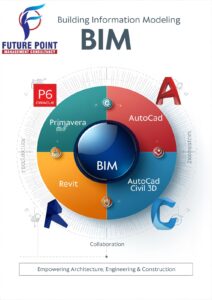
 The Future Point is a recognized industry leader in delivering comprehensive training for Primavera P6 Enterprise Project Portfolio Management software. Primavera stands out as a project portfolio management software designed to streamline and enhance all aspects of project-related activities with remarkable ease and efficiency. Offering world-class functionality, Primavera is tailored for project-based organizations, encompassing essential features such as planning and scheduling, resource management, portfolio management, and Risk & Issue Management. Recognized as an enterprise project portfolio management software, Primavera is a key tool for organizations seeking advanced capabilities to optimize their project management processes. It includes project management, scheduling, risk analysis, opportunity management, resource management, collaboration and control capabilities, and integrates with other enterprise software such as Oracle and SAP’s ERP systems. Primavera P6 provides solutions to entire project cycle starting from project initiation, planning, execution, controlling, evaluating, reporting and closure. Using real-time data given by project manages and civil engineers, Primavera optimizes supply chain, and manages changes every effectively
What does P6 stand for?
Anonym: P6
Definition:
Pentium Pro (Intel), Proper Planning Prevents Piss Poor Performance
What is P6 scheduling?
A Primavera P6 schedule is often required at the start of a project, regardless of whether it is simple or complex, to forecast the duration of the project and its activities. … This is all done with the goal of delivering the projects deliverables to the quality standards while finishing on time and on budget.
Course Overview
Primavera is a suite of enterprise project portfolio management solutions designed to allow managers to plan and manage projects end to end. Primavera software is easy to use and facilitates high-performance project management that provides large scale and complex projects. Primavera P6 Professional is mainly designed for project managers to allocate resources effectively and evaluating Return on Investment (ROI). Delegates will get a comprehensive knowledge of Primavera for creating projects, scheduling a project and capacity planning. Our expert trainers will deliver this training, which will help you to pass your exam on the very 1st attempt.
We deliver training sessions to multinational organization or individuals, public sectors, corporate sectors, and also for government agencies. Our respective subject related experts have plentiful industry knowledge, who know how to make their topics engaging in creating a unique and valuable learning environment. Our dedicated staff work continuously to provide in-house training to clients who wish to have the convenience and comfort of working within their familiar surroundings.[/vc_column_text][/vc_column]
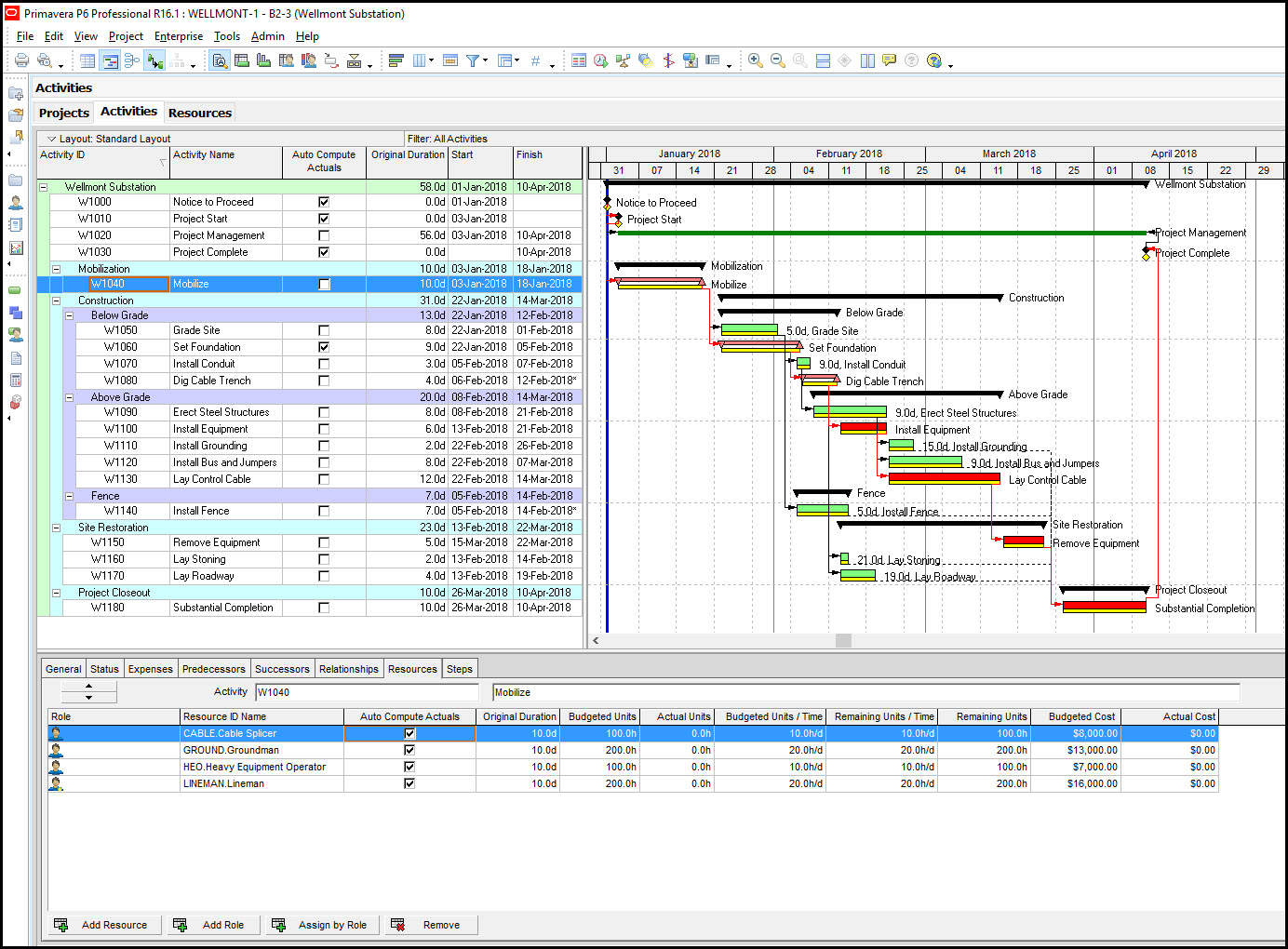
Primavera Certification Training Courses
Primavera P6 Professional Fundamentals
Primavera P6 Professional Advanced
Primavera P6 Application Administration
PRIMAVERA P6 – COMPLETE COURSE OUTLINE
Project Planning & Scheduling | Future Point Qatar
Module 1: Introduction to Project Management & Primavera P6
Overview of Project Management concepts
Role of Primavera P6 in construction & engineering
Primavera interface and navigation
Understanding EPS & OBS
User preferences and system settings
Module 2: Creating a New Project
Creating an EPS node
Creating a new project
Defining project information
Setting project calendars
Work Breakdown Structure (WBS) creation
Module 3: Activity Management
Types of activities
Adding activities to WBS
Activity relationships
Lag, leads, and constraints
Assigning activity codes
Activity duration estimation
Module 4: Scheduling Techniques
Critical Path Method (CPM)
Forward and backward pass
Understanding float (total & free)
Running schedule (F9)
Analyzing schedule results
Module 5: Project Calendars
Creating global, project & resource calendars
Defining working days, holidays, and shifts
Assigning calendars to activities
Module 6: Resources & Cost Management
Creating resource libraries (labor, non-labor, materials)
Assigning resources to activities
Resource leveling
Resource usage profiles
Cost estimating & budgeting in P6
Module 7: Baseline Management
Creating baselines
Assigning & comparing baselines
Tracking project performance
Variance analysis
Module 8: Updating & Monitoring the Project
Updating actuals: % complete, duration, and remaining work
Progress update cycles
Earned Value Management (EVM) basics
Delay analysis introduction
Module 9: Reports & Dashboards
Generating standard and custom reports
Layout customization
Grouping, sorting, and filtering
Printing layouts and exporting schedules
Module 10: Project Closing & Handover
Final updates and documentation
Archiving project data
Preparing project close-out report
Future Point Special Add-Ons (Exclusive)
✔ Real project–based training
✔ Qatar-standard planning templates
✔ Practical case studies (Construction, MEP & Infrastructure)
✔ Interview preparation + CV guidance
✔ Free re-sit for next batch if needed
✔ Lifetime support for doubts

